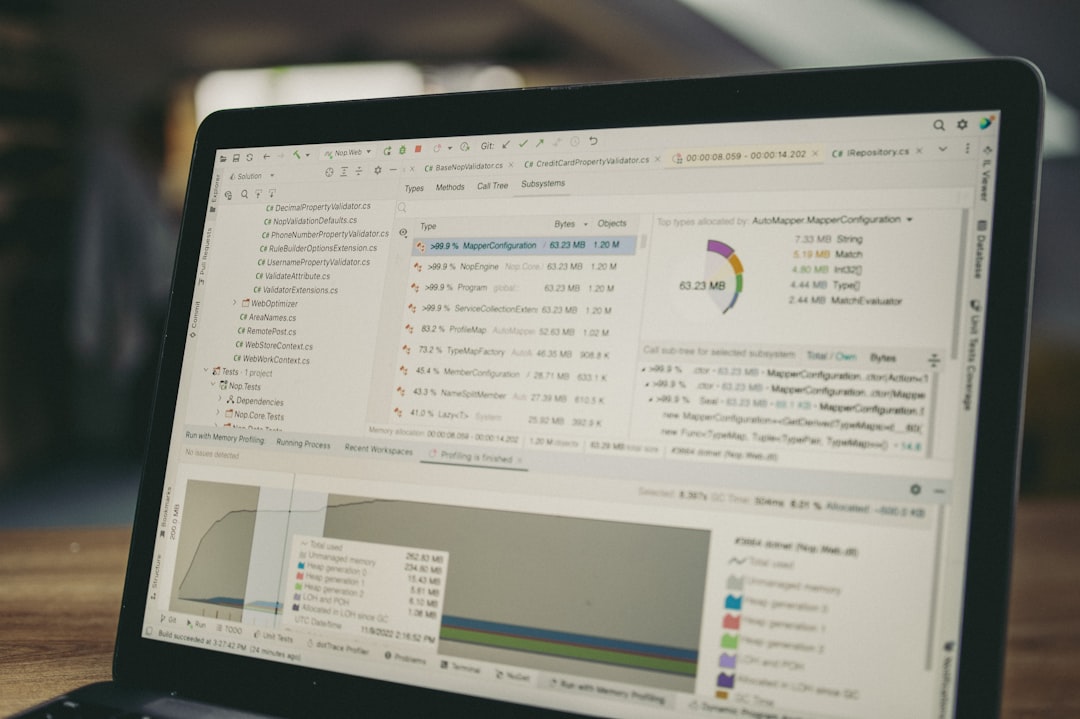
In the evolving field of data analytics, artificial intelligence (AI) has become a game-changer. AI tools are not only enhancing the efficiency of data analysis but also opening new possibilities for data professionals to derive insights and drive business decisions. This guide explores top AI tools that are reshaping the landscape of data analytics and how they can be leveraged effectively.
Why AI Tools Matter in Data Analytics
AI tools streamline complex data processes by automating repetitive tasks, increasing predictive accuracy, and providing deeper insights through advanced algorithms. For both aspiring and seasoned data professionals, incorporating AI tools into analytics workflows can lead to more efficient and accurate data-driven decisions.
Top AI Tools for Enhanced Data Analysis
1. TensorFlow
TensorFlow is an open-source platform developed by Google Brain for machine learning and deep learning applications. It provides a comprehensive ecosystem of tools, libraries, and community resources that enable data professionals to build and deploy machine learning models efficiently.
Use Case: TensorFlow is widely used for image recognition, natural language processing, and time-series analysis. Its ability to handle complex neural networks makes it a preferred choice for projects requiring high computational power and scalability.
2. DataRobot
DataRobot automates the end-to-end process of building, deploying, and maintaining AI models. It is particularly useful for data professionals who want to accelerate their workflow without diving deep into coding.
Use Case: DataRobot is ideal for predictive analytics in business environments where quick insights are crucial. For example, it can be used to forecast customer churn or optimize supply chain operations.
3. Alteryx
Alteryx is a self-service data analytics platform that simplifies data preparation and blending. It empowers users to perform advanced analytics without extensive coding knowledge, making it accessible to a broader range of professionals.
Use Case: Alteryx is frequently used for creating interactive dashboards and reports, allowing teams to visualize complex data sets easily. Its drag-and-drop interface is particularly beneficial for conducting geospatial analysis and business intelligence tasks.
4. IBM Watson Studio
IBM Watson Studio offers an integrated environment for data scientists, application developers, and subject matter experts to collaboratively work on AI projects. It supports a wide array of data types and provides tools for data preparation, model building, and deployment.
Use Case: Watson Studio is well-suited for industries like healthcare and finance, where it can be used to build models for predictive diagnostics or financial forecasting. Its robust support for various data sources makes it a versatile tool in any data professional’s arsenal.
5. RapidMiner
RapidMiner is a data science platform designed for teams. It provides a visual workflow designer that allows users to build predictive models and perform data preparation tasks in an intuitive interface.
Use Case: RapidMiner is commonly used in marketing analytics to segment customers and predict campaign outcomes. Its ability to integrate with various data sources and its extensive library of machine learning algorithms enhance its appeal for business intelligence projects.
Implementing AI Tools in Your Workflow
Integrating AI tools into your data analytics workflow requires careful consideration of your specific needs, existing infrastructure, and team skill set. Here are some steps to get started:
- Identify Your Needs: Determine the specific problems you want to solve with AI tools. This could range from automating data cleaning tasks to building complex predictive models.
- Assess Skill Levels: Ensure your team has the necessary skills to leverage AI tools effectively. This might involve training sessions or hiring additional expertise.
- Start Small: Begin with pilot projects to gauge the effectiveness of the tools and refine your approach before scaling up.
- Evaluate and Adjust: Continuously monitor the performance of AI tools and make adjustments based on feedback and results.
Conclusion
The integration of AI tools into data analytics is not just enhancing efficiency but also unlocking new levels of insight and innovation. By carefully selecting and implementing the right tools, data professionals can significantly boost their analytical capabilities, leading to more informed decision-making and business success.
Photo by Daniil Komov on Unsplash
Leave a Reply